How to Create a Quality Digital Ad – Tips and Suggestions
 How to create a quality digital ad; no matter the size of the banner which we will outline, the important factor is dpi (dots per square inch). The larger the dpi, typically the better quality the image.
We want your business to shine on our site with a quality digital ad banner that properly represents you and your business.
Having a crappy banner really doesn’t do anyone any good. Nobody ever clicks on a poor looking banner or one that seems like chaos just hit the screen Organized, structure, branded colours, and sleek designs with the proper components integrated make for a quality banner display.
So, what are we talking about here Hen House?
Well, glad you asked. Here is a list of how totips that will assist you in achieving success with your banner.
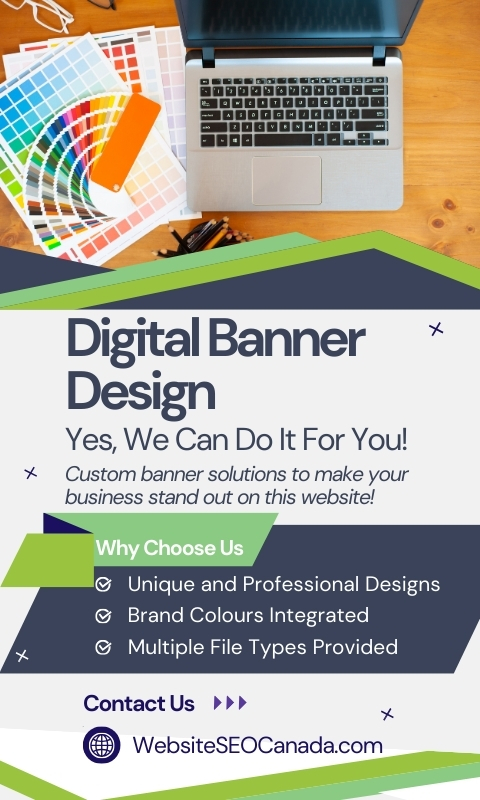
DID YOU KNOW? We have a team that can produce digital banners… click here to learn more!
Our Tip List – How to Create a Quality Digital Ad
1. Your banner should be about branding your image on our advertising platform. Don’t approach your banner design with the “On Sale” mentality or “We Are Having A Sale” view. If you approach your banner design with branding as the goal, traffic and sales will come naturally.
2. The banner should not include any questionable imagery or risqué imagery (unless that is the business you are in and unfortunately they can’t go on the Hen House websites). Keeping your banners to a high standard makes a massive difference.
3. Colours in the quality digital ad banner should complement your logo and brand colours.
4. Your website address or phone number should be present in the banner ad.
5. ALWAYS include your logo in the banner ad, it is basic branding etiquette.
6. A larger dimension image created allows us to provide you with a clear sharp image online. IF you make your image 240×400 for example, and not the recommended size, it will appear blurry and be poor quality.
Quality Digital Ad Sizes
Here are the quality digital ad sizes you should create for advertising on the Hen House Project:
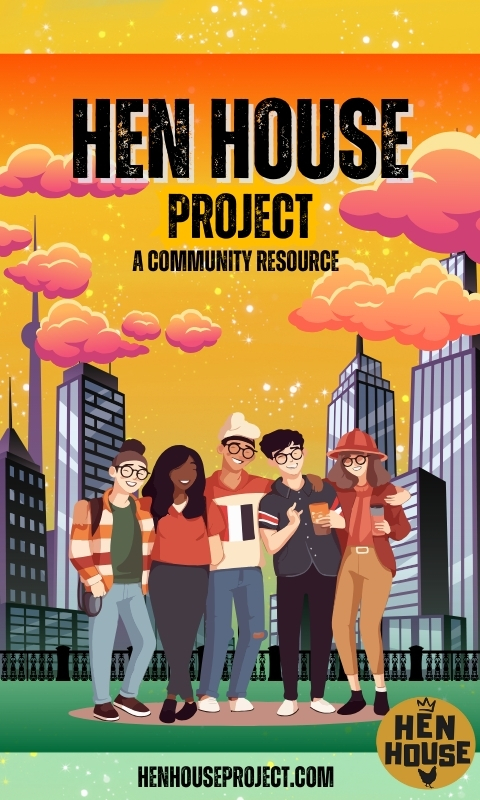
1. For a 240px wide x 400px high SKYSCRAPER banner, the image you create should be 480px wide x 800px high and no more than 300kb in size.
2. For a 240px wide x 240px wide BOX banner, the image you create should be 720px wide x 720px high and no more than 300kb in size.
3. For a 728px wide x 90px high LEADERBOARD banner, the image you create should be 1456px wide x 180px high and no more than 300kb in size.
By following these banner creation tips and guidelines, you are on your way to producing a quality graphic that can be used on a multitude of platforms in addition to the Hen House Project!
Have a question? Don’t hesitate to contact us and we will provide help you out. If you want to simply skip creating it yourself, check out the digital banner creation services we utilize.